Administration Process
The administration batch tool is started using a script file located in the ./bin folder of the delivery server. The file is named report.bat.
If you start this script file without arguments, then you are redirected to the manual process. The only argument that is accepted by this administration batch process is the process identification, described in the following section.
 Scheduling the Administration Batch Process
To schedule the administration process, complete the following tasks.
-
Log on to the server where the ActivID CMS server-based solution is installed.
-
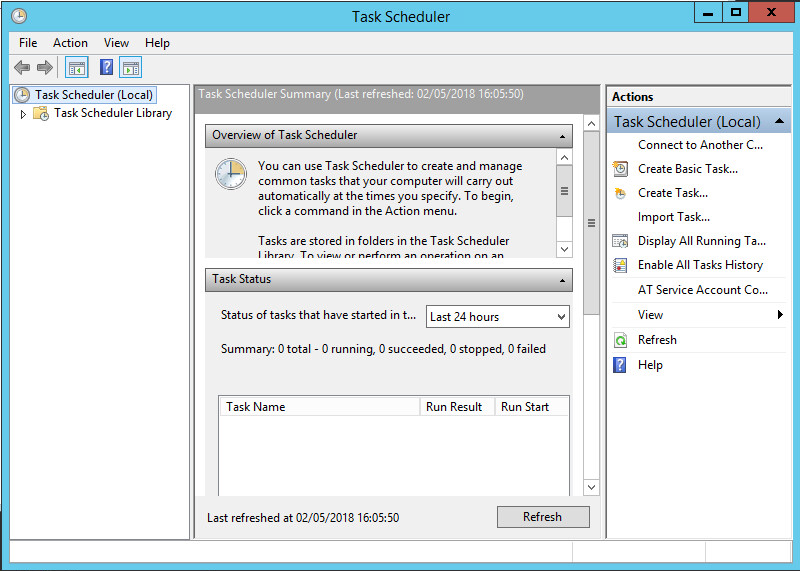
Start the Task Scheduler (Control Panel > Administrative Tools > Task Scheduler). The Task Scheduler appears.
-
Select Create Basic Task in the Action menu.
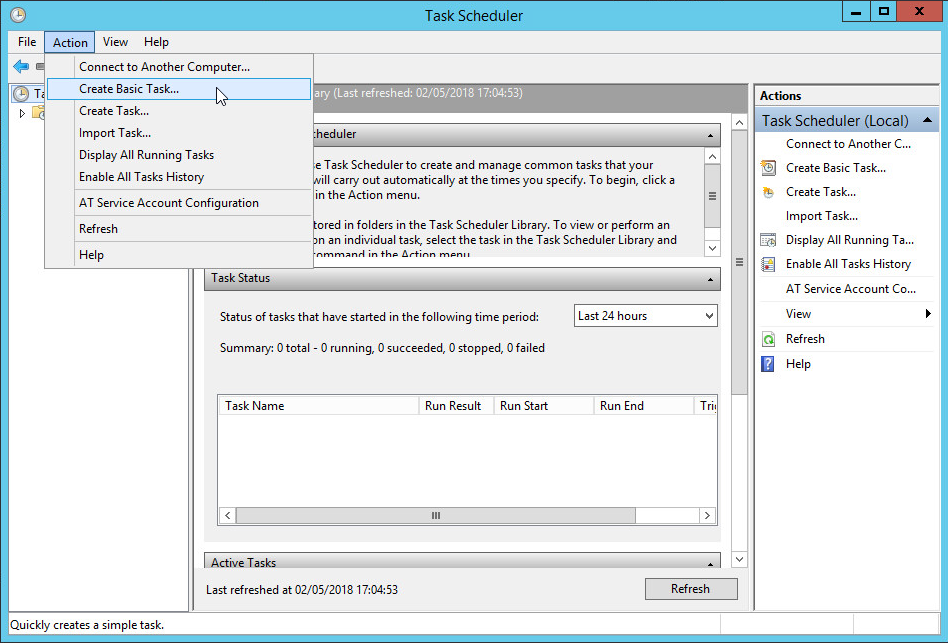
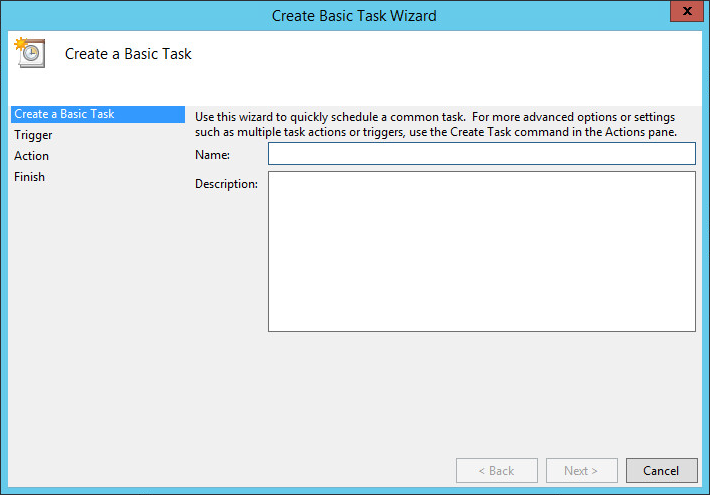
The Create Basic Task Wizard appears.
-
Enter a name for this task, then click Next.
-
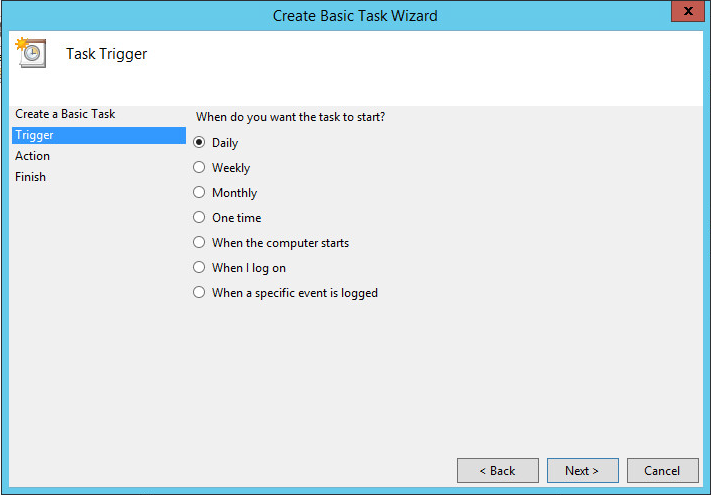
Select a scheduling option, and then click Next.
-
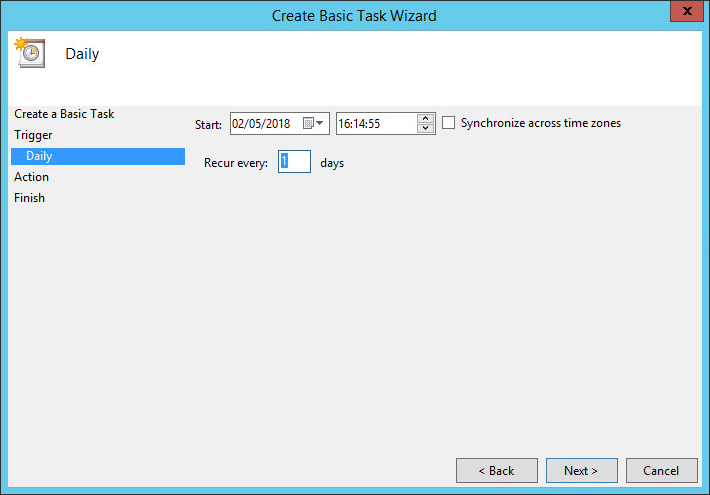
Configure schedule settings, and then click Next.
-
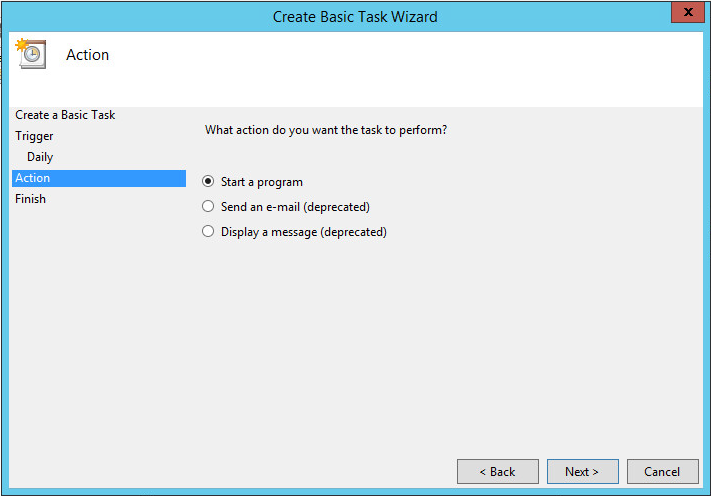
Click Next to accept the Start a program option (the default).
-
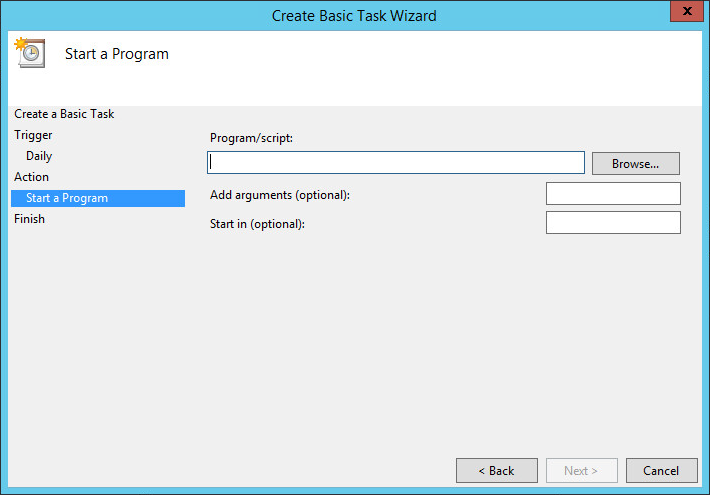
Click Browse.
-
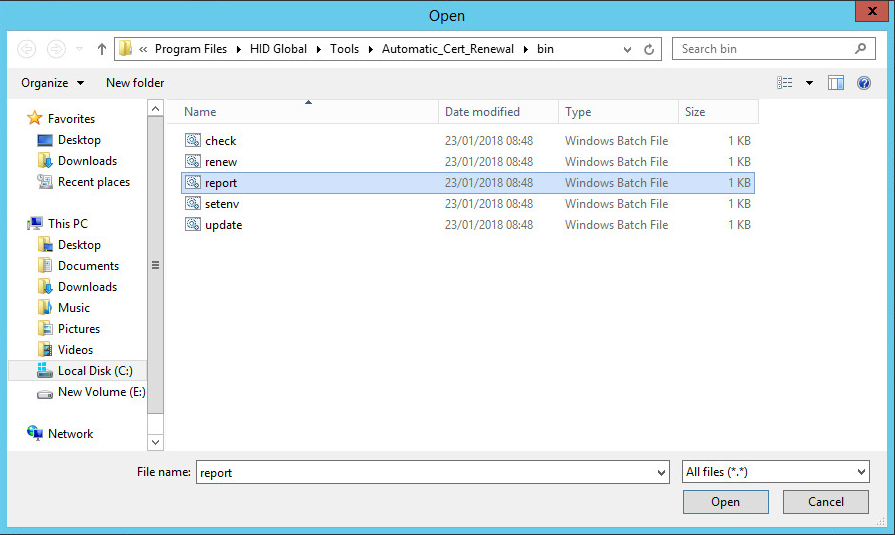
Go to the C:\Program Files\HID Global\Tools\Automatic_Cert_Renewal\bin directory, and then double-click the report.bat batch file.
-
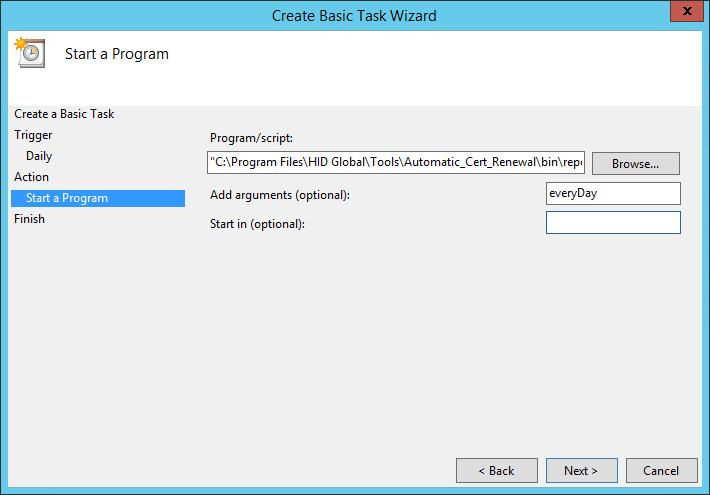
Edit the Add arguments (optional) text box by adding the process ID at the end of the line (in this example, it is everyDay). Make sure that the process ID line matches the one defined in the XML file (administrationProcesses.xml).
-
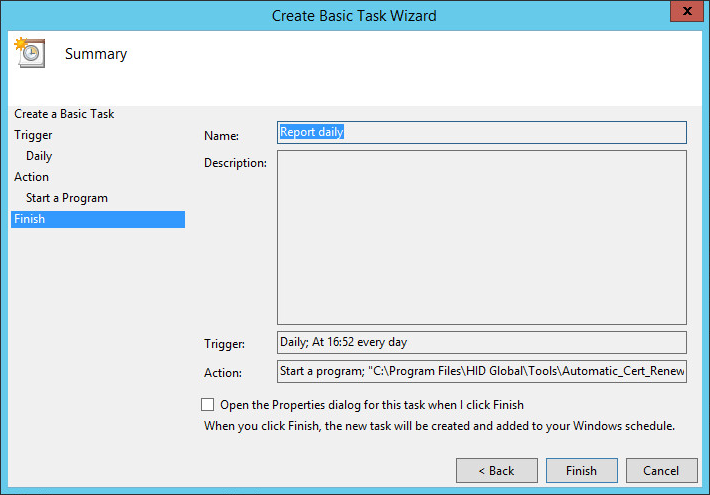
Review the report schedule summary, and then click Finish.
-
The administration batch is ready to be processed.
When a batch is processed, a set of reports is created in the appropriate directory (by default, this directory is ./reports/administration). Check these files to view the details of the batch process. You might receive an email if the email option has been set to do so.
Manual Administration Process
In addition to scheduling the automatic administration process, you can run the reporting process manually. To perform a manual report process, complete the following steps.
-
If you want to use a predefined process ID, then open a Windows command window, and go to the C:\Program Files\HID Global\Tools\Automatic_Cert_Renewal\bin directory.
-
Launch the report.bat script file, and then add the process ID to the command line (as illustrated next).

-
Allow sufficient time for the manual report process to complete.
Note: If you want to run the administration process for a period other than what is defined in the configuration file, then complete the following steps. -
Go to the C:\Program Files\HID Global\Tools\Automatic_Cert_Renewal\bin directory, and then double-click the report.bat batch file, which displays the Pick a Date window.
-
Using DD/MM/YYYY for the date format, enter a scanning process begin date and a scanning process end date in the respective text boxes.
-
Click OK, and allow sufficient time for the manual report process to complete.
Topics in this section:


