Update the Principal HSM
To add new random keys to the Principal HSM The first or main HSM. If you require multiple HSMs with the same master keys, use HSM manufacturer tools to duplicate the keys in the other HSM., first add the keys to the principal.cfg file and then update your Principal HSM using ActivID KMS.
-
Properly connect the Principal HSM.
-
From the main menu, press 2 (Update Principal HSM).
ActivID KMS automatically loads the new keys from the principal.cfg file.
Note: New HSMs might not support 2TDEA keys: when importing the principal.cfg, KMS will read the file to check if there are 2TDEA keys in the file. If such keys are present, the following prompt will appear: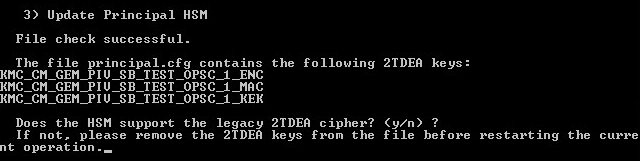
Press Y to continue with the initialization. Press N to quit the initialization process.
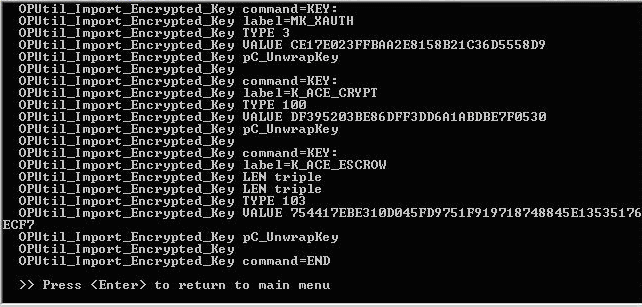
The following page is displayed.
-
Press ENTER to return to the main menu.


