Creating an Issuance Request
You must have completed all the steps, starting with the section Issuing an Initial Device to a User in Your Directory
When you create an issuance request for a user, you are requesting device issuance. The request requires approval from another operator/administrator. Then, the device can be issued through local issuance.
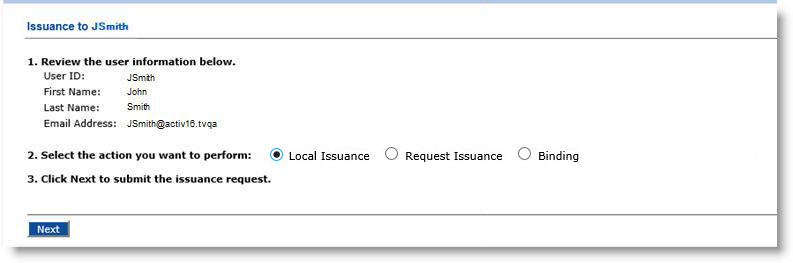
Go to the Issuance page.
-
If your administrator has configured the system to allow updating of some user information, then complete the attributes as required.
-
For the Select the action you want to perform option, select Request Issuance.
If you select Request Issuance and there is already an issuance request, then ActivID CMS assumes that you want to approve the request (for example, to personalize the device).
-
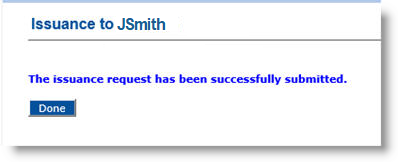
Click Next. The issuance request is successfully submitted.
An operator must approve the request before it can be processed. For more information on how to approve requests, see Approving a Request.


