Verifying Coupler Connections
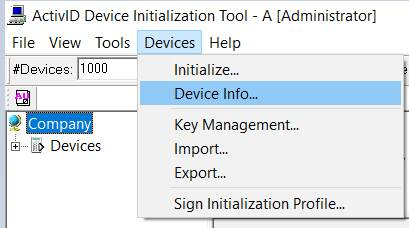
- From the Devices menu, select Device Info....
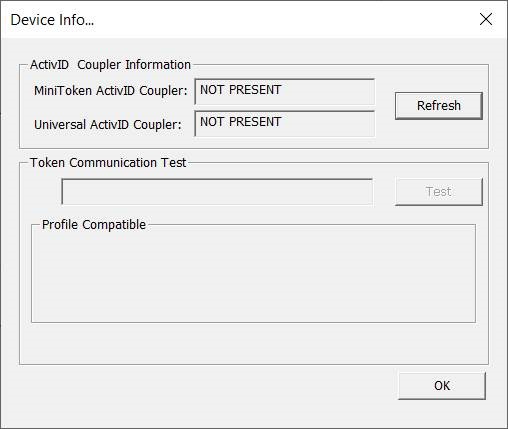
The following window appears if no coupler is connected:
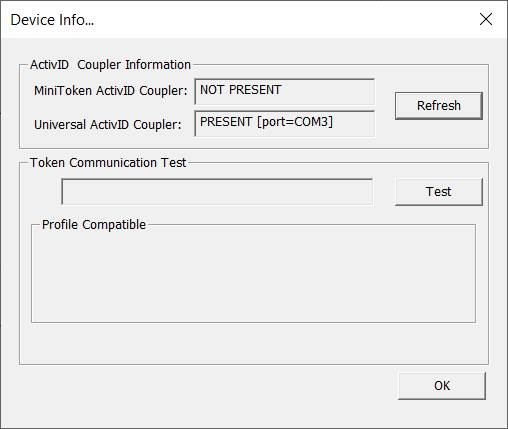
- Connect your ActivID coupler and then click Refresh:
-
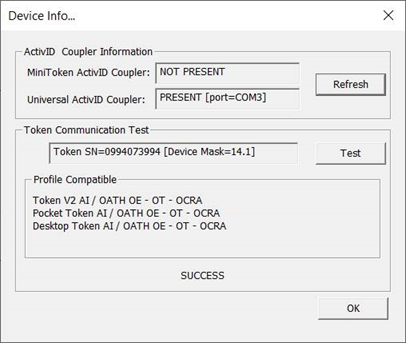
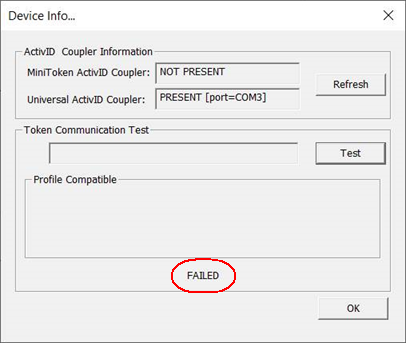
Put a token on the coupler and click Test to check whether the connection is working properly. If the test is successful, a list of compatible profiles is displayed in the Profile Compatible section:
Otherwise, a failure message is displayed:
-
If you connect a new coupler, click Refresh to refresh the Coupler information.


