Create a New Repository
-
In the navigation tree, right-click on Devices (if you want to create a new repository within the main Devices folder), and then click New Repository.
Note: If you are creating sub-repositories within existing repositories, right-click the appropriate repository.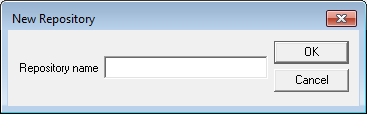
-
In the Repository name field, enter the new repository’s name.
Note: You cannot change the name of a repository after you create it. But, you can move devices from one repository to another using a drag-and-drop operation.
-
Click OK.
The new repository is added to the navigation tree under Devices.


