Delete a Data Source
-
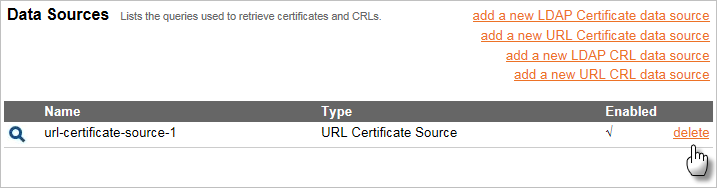
On the Data Sources page, click delete next to the data source name you want to delete.
-
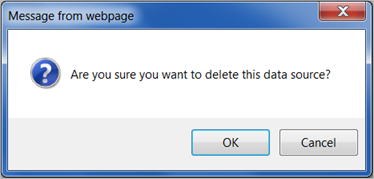
When prompted to confirm, click OK.
Alternatively, to cancel, click Cancel and make no changes.


