Configure User Notification
When the Validation Client completes a validation, it can display a notification to the user indicating the result of the validation request. You can configure the Validation Client to display selected notifications by selecting Configure Notifications on the General tab of the Management Console.
By default, the Validation Client delivers all notifications to users for certificates it attempts to validate. You can enable or disable these notifications. Click OK and Apply to save your changes.
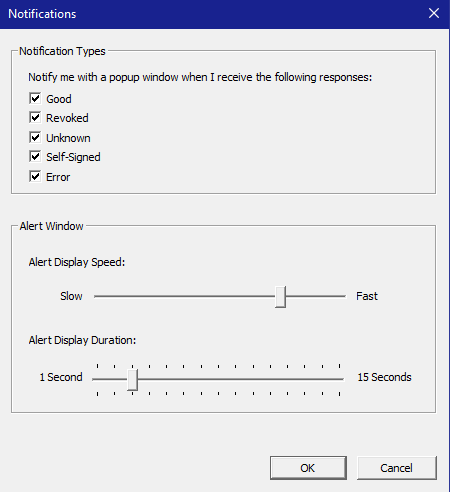
Each selection generates a pop-up window whenever the Validation Client encounters a certificate with the corresponding response status. Selecting Good typically generates a large number of notifications, so you may prefer to log Good response information if you need a record of it.
The Alert Display Speed slide bar controls how quickly notifications are displayed.
The Alert Display Duration slide bar controls the amount of time that the notification is displayed. You can select a period between 1 and 15 seconds.
Notification Windows
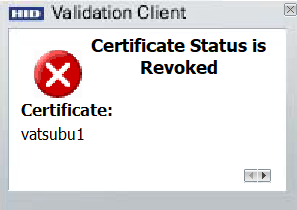
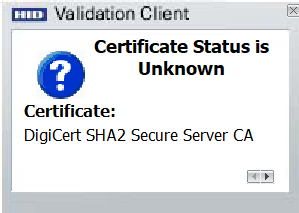
The notification windows are as shown below:
-
The Good indicates a certificate that the issuing CA recognizes as valid.

-
The Revoked indicates a certificate that the issuing CA has marked as no longer valid.
-
The Unknown indicates that the Validation Client cannot determine the status of a certificate.
-
The Error indicates that the Validation Client encountered an error condition during validation of a certificate.


