Install Updated Validation Responder Appliance Software
-
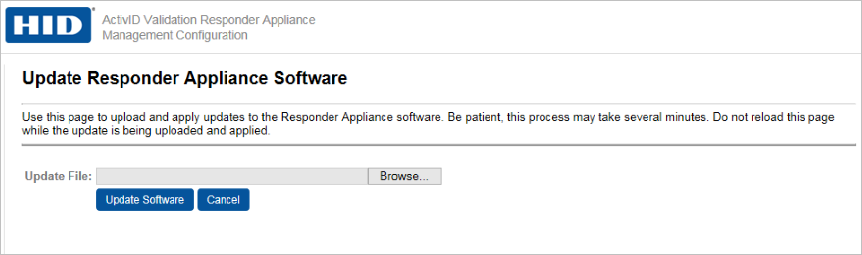
In the Administration section of the navigation bar, click Update Appliance Software.
-
On the Update Validation Responder Appliance Software page, click Browse to locate the file that was provided to you.
-
Click Upload Software.
-
Reboot the Validation Responder Appliance after the file has been uploaded and installed.


