Uninstalling Validation Responder on Linux
To uninstall the Validation Responder on Linux, follow the below steps:
-
At a terminal shell prompt, type the following command.
Copy.opt/hidglobal/validation_responder/Change\ ActivID\ Validation\ Responder\ 7.4\ Installation -
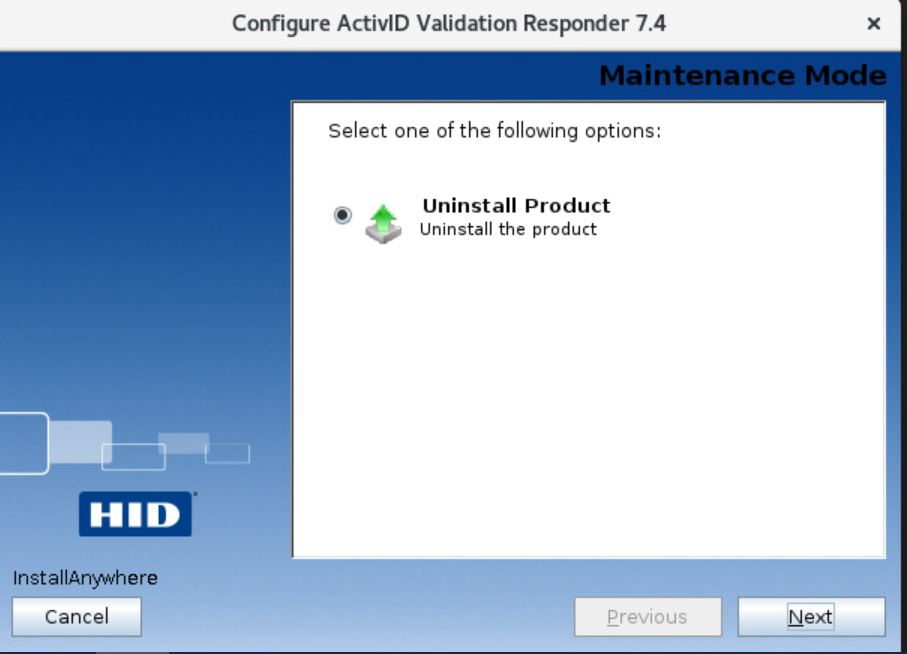
Select the Uninstall Product option, and then click Next to continue.
-
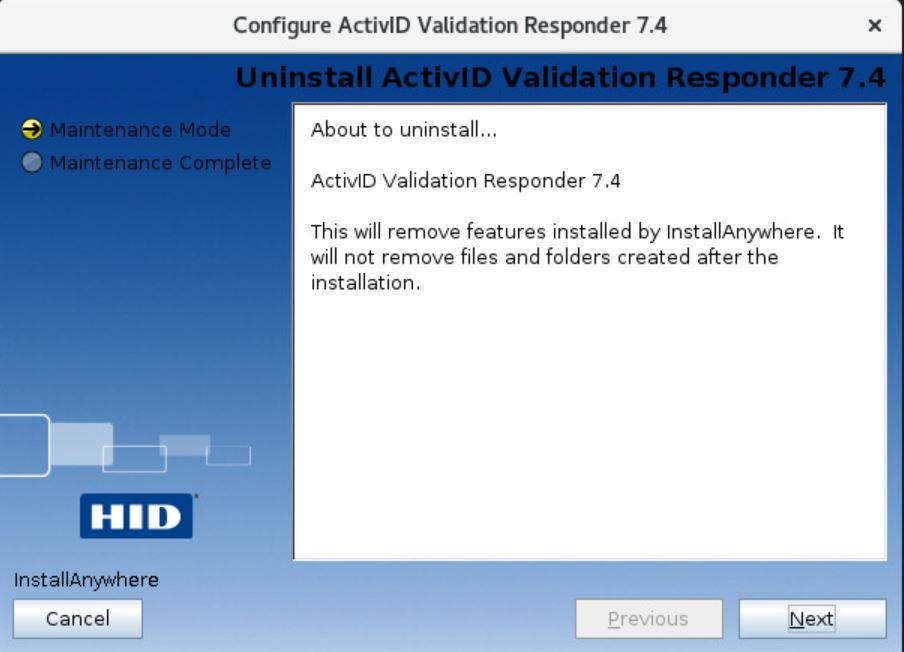
When prompted, click Next.
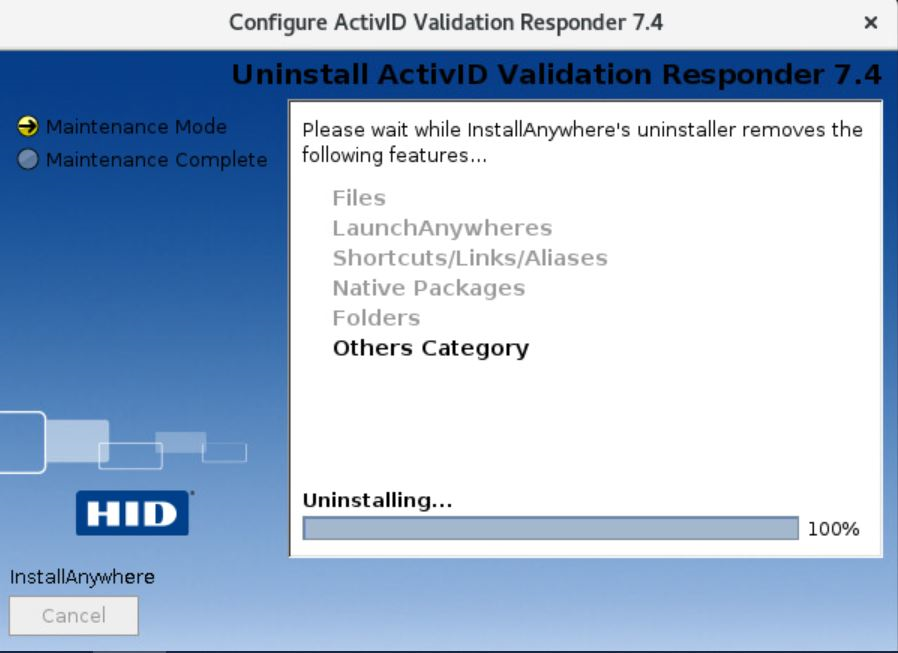
A progress bar is displayed.
-
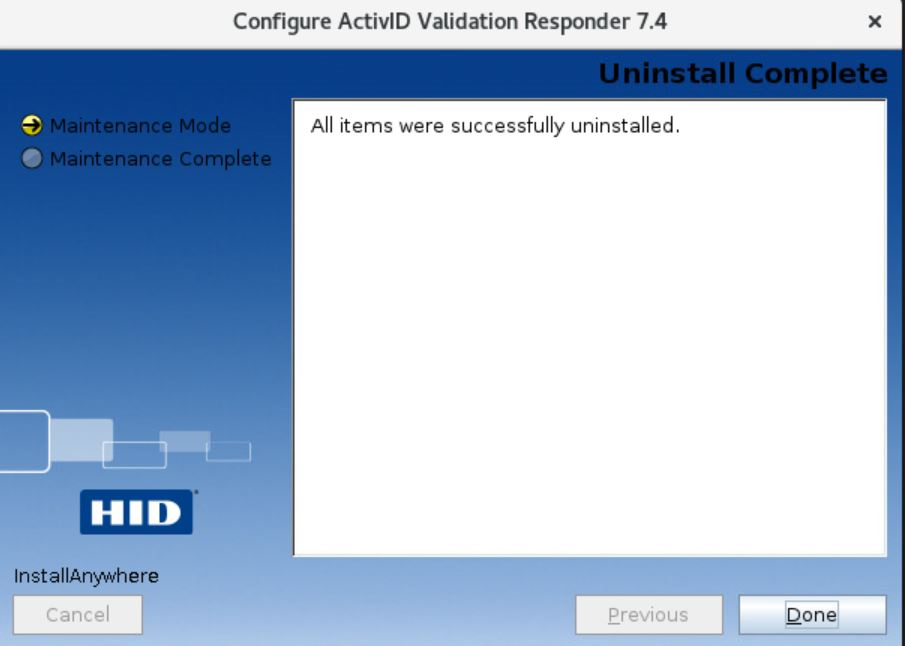
When prompted, click Done.
 Note:
Note:The following folders for log files will not be uninstalled. It is important to maintain the log files even when the products are uninstalled. When you have confirmed that the product is uninstalled completely, you may manually delete them.
<destination folder>_ActivID Validation Responder 7.4_installation
<destination folder>_ActivID Validation Responder 7.4_installation\Logs


