Password Credentials
DigitalPersona Workstation makes changing your DigitalPersona password simple.
Important: Changing you DigitalPersona password will change your Microsoft Windows password!
To change your password:
- In the DigitalPersona Console, select Credential Manager.
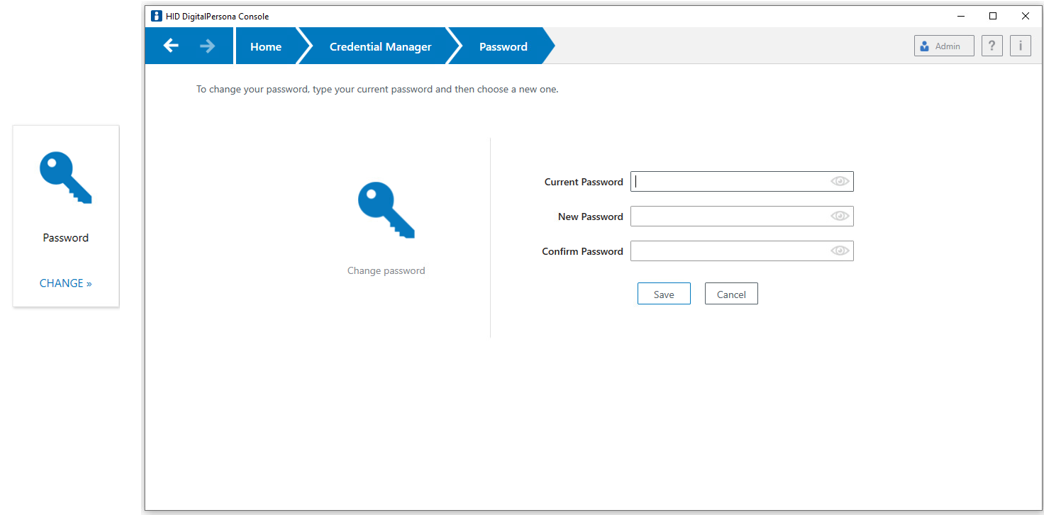
- On the Password tile, click CHANGE.
The Password page displays.
-
Enter your Current Password.
-
Enter and confirm a New Password.
-
Click Save to immediately change your current password.