Configure the AD LDS Service
Configure the Active Directory Lightweight Directory Service by running the DigitalPersona AD LDS Configuration Wizard.
The wizard extends the instance's default AD LDS schema for use by DigitalPersona and creates necessary DigitalPersona configuration data including cryptographic keys.
-
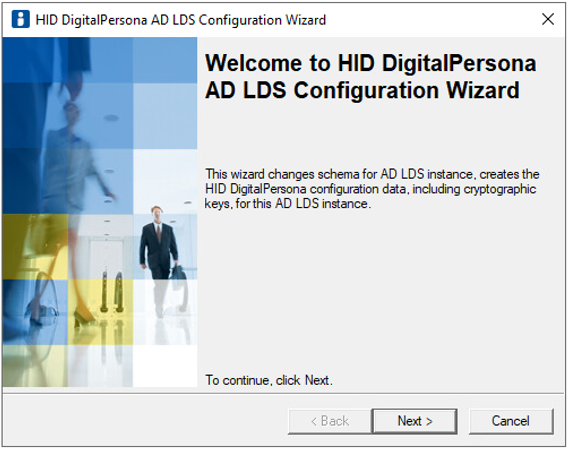
Double-click the DPADLDSConfig.exe in the Server Deployment Tools\LDS\Configuration Wizard folder of the Server installation package and click Next.
-
Read the license agreement that displays and, if you agree to the terms and conditions, select I accept the license agreement and then click Next. .
-
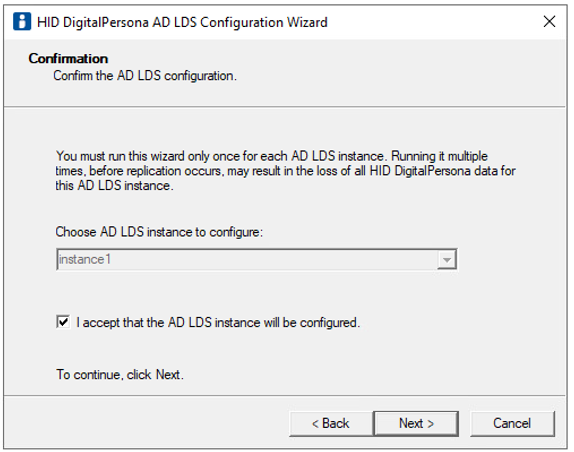
On the Confirmation page, confirm that the correct AD LDS instance appears in the Choose AD LDS instance to configure field and select I accept that this AD LDS instance will be configured, then click Next.
If there is only one AD LDS instance on the computer, the instance will be automatically selected, and grayed out, since there is no other instance available for selection.
-
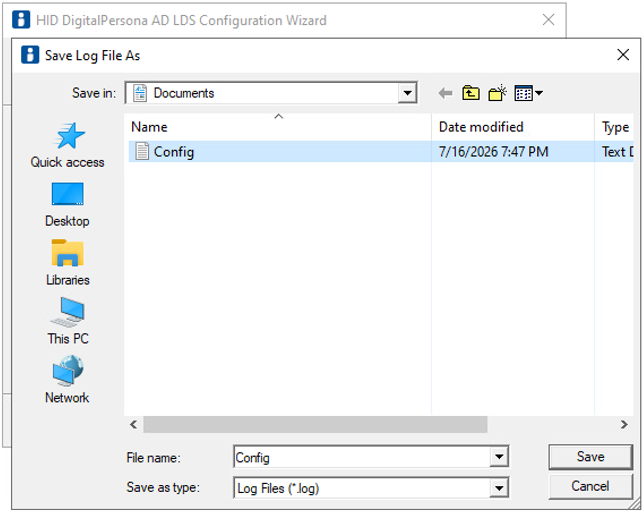
In the Save Log File As dialog box, specify a file name and folder path for the log file generated by the wizard and click Save.
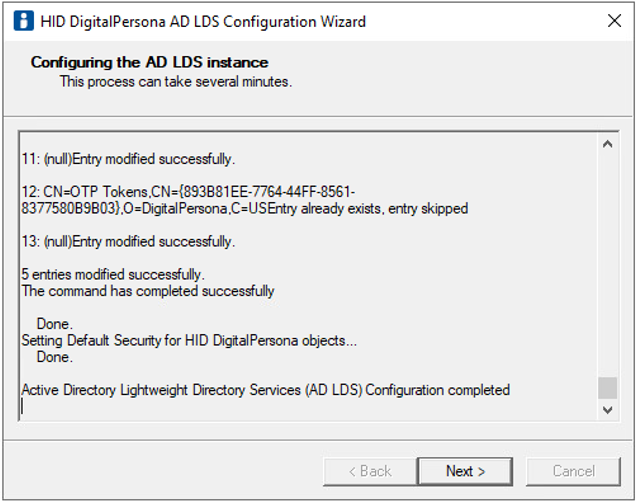
When you click Save, the wizard performs the changes on the domain.
-
Click Next and then Finish to close the wizard..


