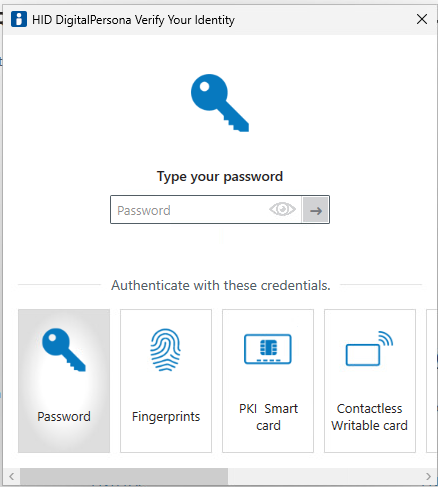
Password Credentials
DigitalPersona Workstation makes changing your DigitalPersona password simple.
Important: Changing you DigitalPersona password will change your Microsoft Windows password!
Change Your Password
- In the DigitalPersona Console, select Credential Manager.
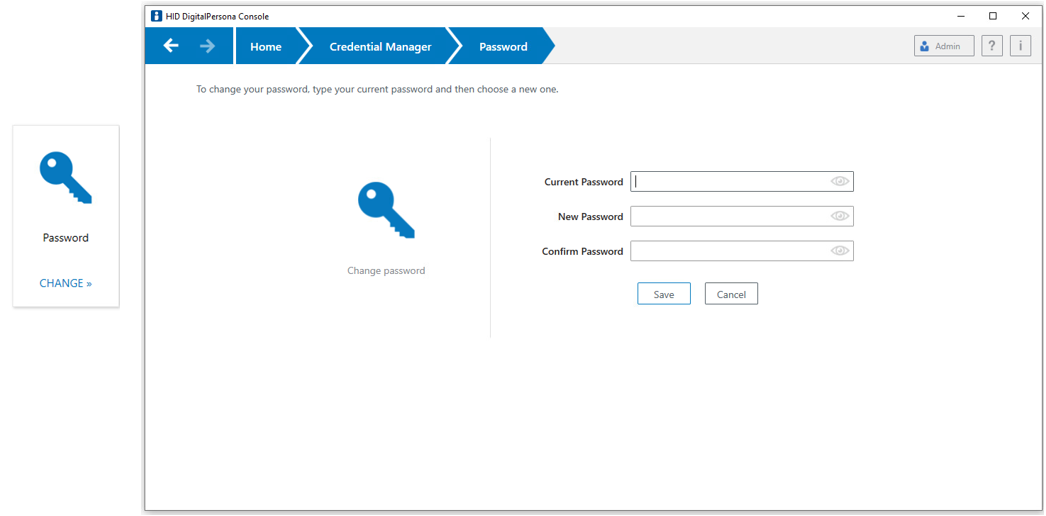
- On the Password tile, click CHANGE.
-
Enter your Current Password.
-
Enter and confirm a New Password.
-
Click Save to immediately change your current password.
Authenticate with Your Password
To authenticate with your Password, use one of the following options depending on from where you are authenticating
-
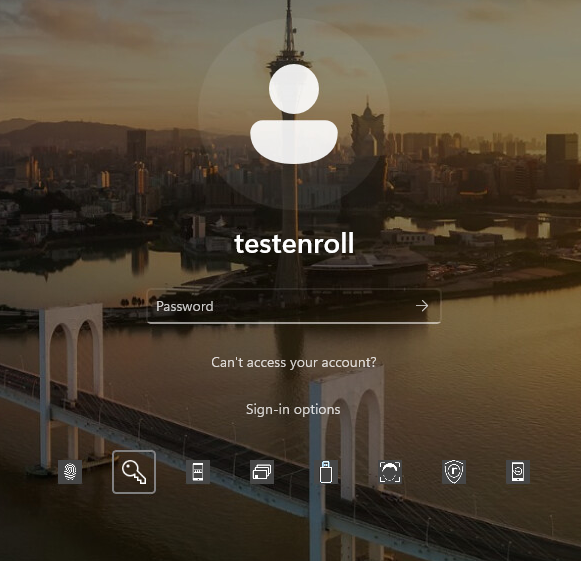
At Windows Logon, select the Password option and enter your account Password:
-
To verify your identity in the DigitalPersona applications, select the Password credential and enter your account Password.