Password Credentials
The Password tile enables you to change your Microsoft Windows password.
Important: Changing you DigitalPersona password will change your Microsoft Windows password!
Change Your Password
-
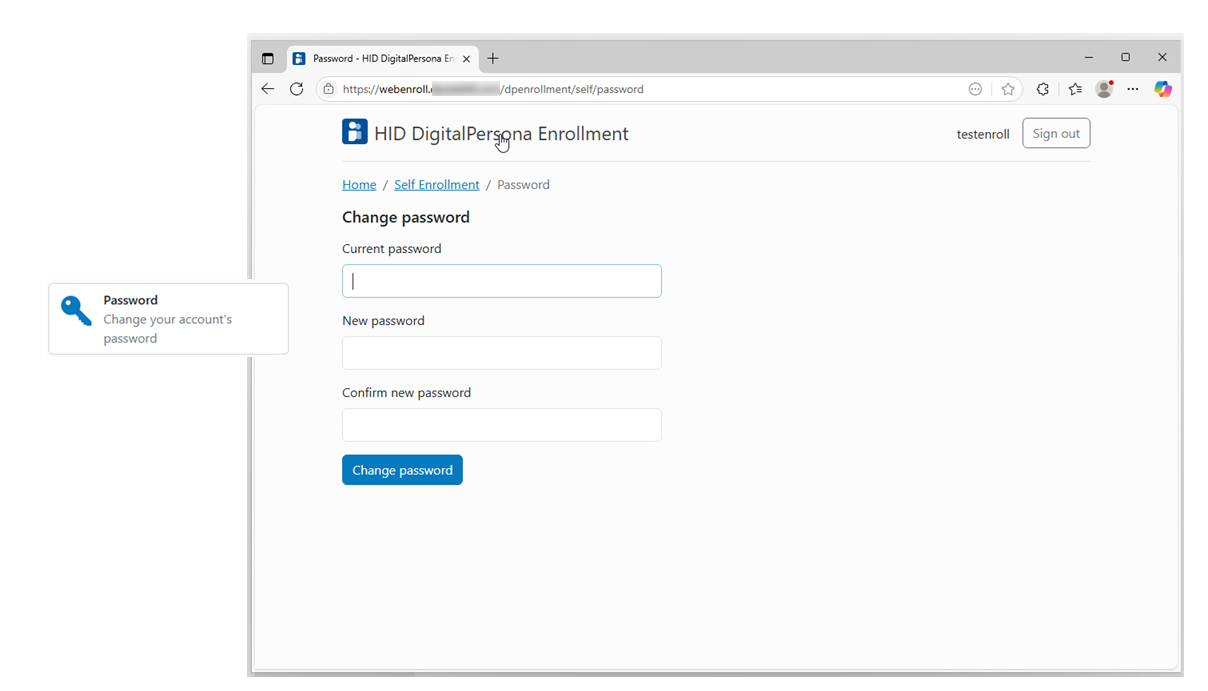
Click the Password tile to display the Change password window.
-
Enter the Current password.
-
Enter and confirm a New password.
-
Click Change password.
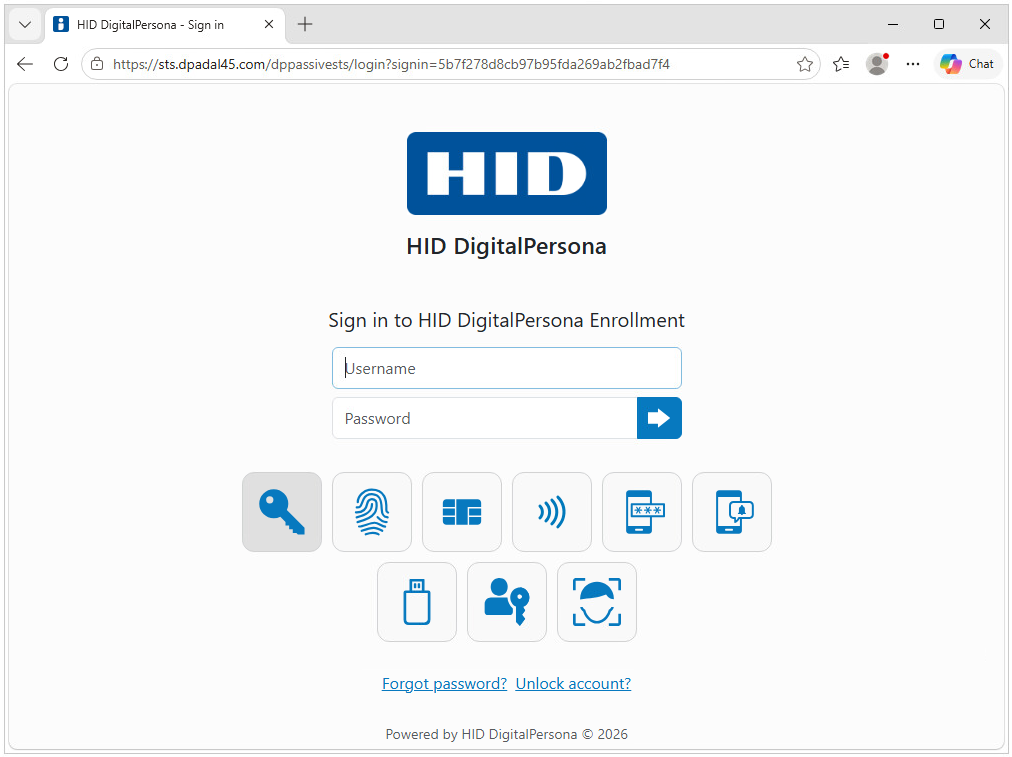
Authenticate with Your Password
In the DigitalPersona Identity Provider or Verify your Identity window, select the Password tile and enter your username and password.