Card Credentials
A smart card credential is a digital identity stored on a smart card that allows you to authenticate and access company resources securely.
The Cards page allows enrolling a Contactless Writable or Contactless ID Card credential.
Enroll a Contactless Card Credential
-
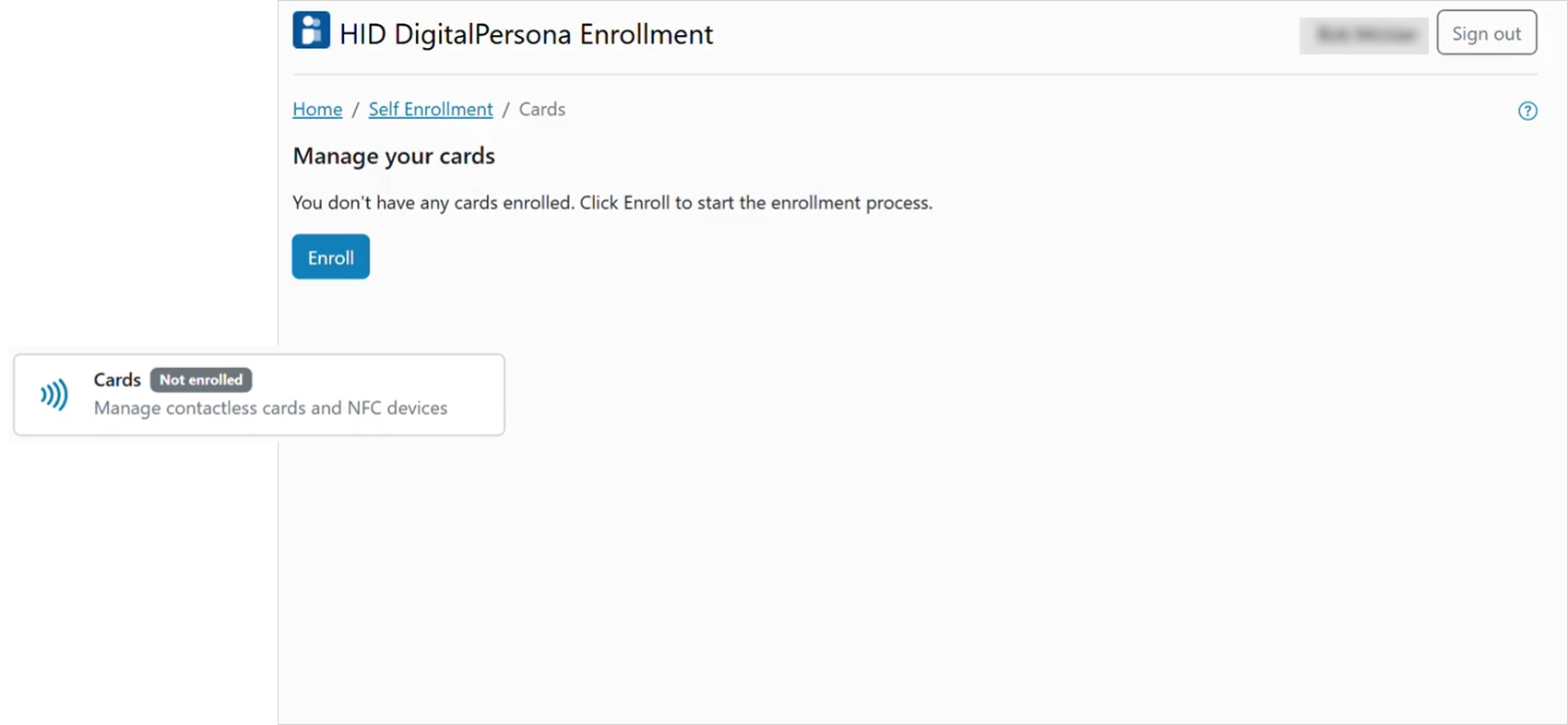
Click the Cards tile to display the Manage your Cards window.
-
Click Enroll.
-
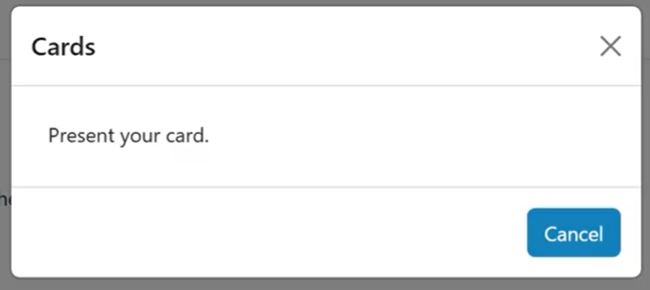
Place your Contactless Card very close to the reader.
Authenticate with Your Card Credential
To authenticate with your Card credential:
-
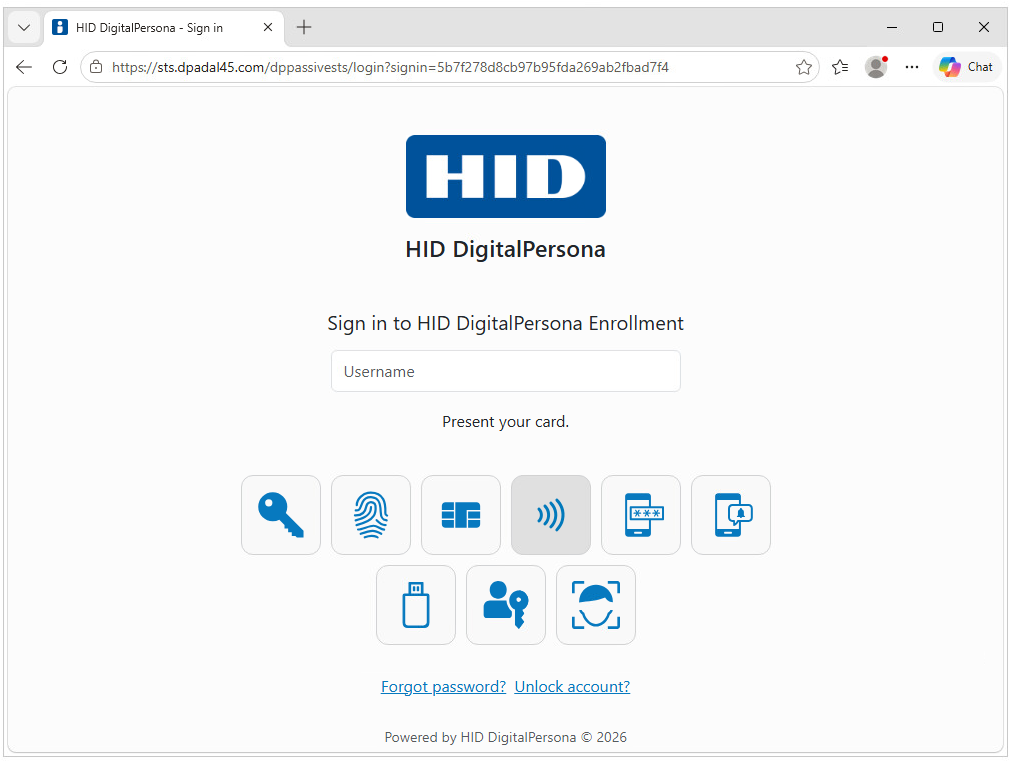
Select the Card tile and enter your username.
-
Place your Contactless Card very close to the reader.
Delete All Enrolled Cards
-
Select the Cards credential.
-
Click the delete icon
 to delete all the enrolled cards.
-
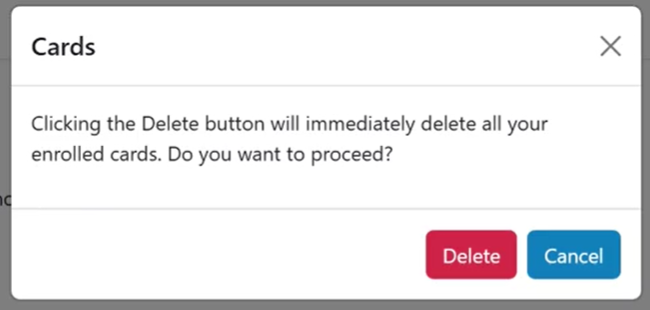
Click Delete to confirm deletion of your Card credential.


