Terminate a Device
-
On the User page, click on the action button (
 ) in the details of the device and select Terminate:
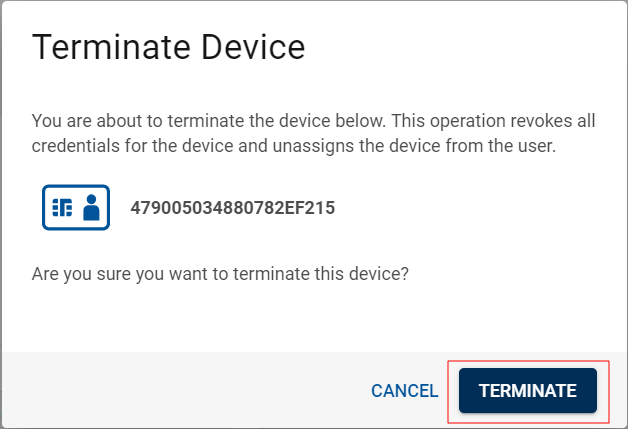
A dialog box appears:
-
Click Terminate.
The device is then terminated and deleted from the User page.
Important: When a device is terminated, all its credentials are revoked, and it is no longer assigned to the user.Note: You can also terminate a connected device from the Devices page (see Manage a Device).


