Managing Portal Users
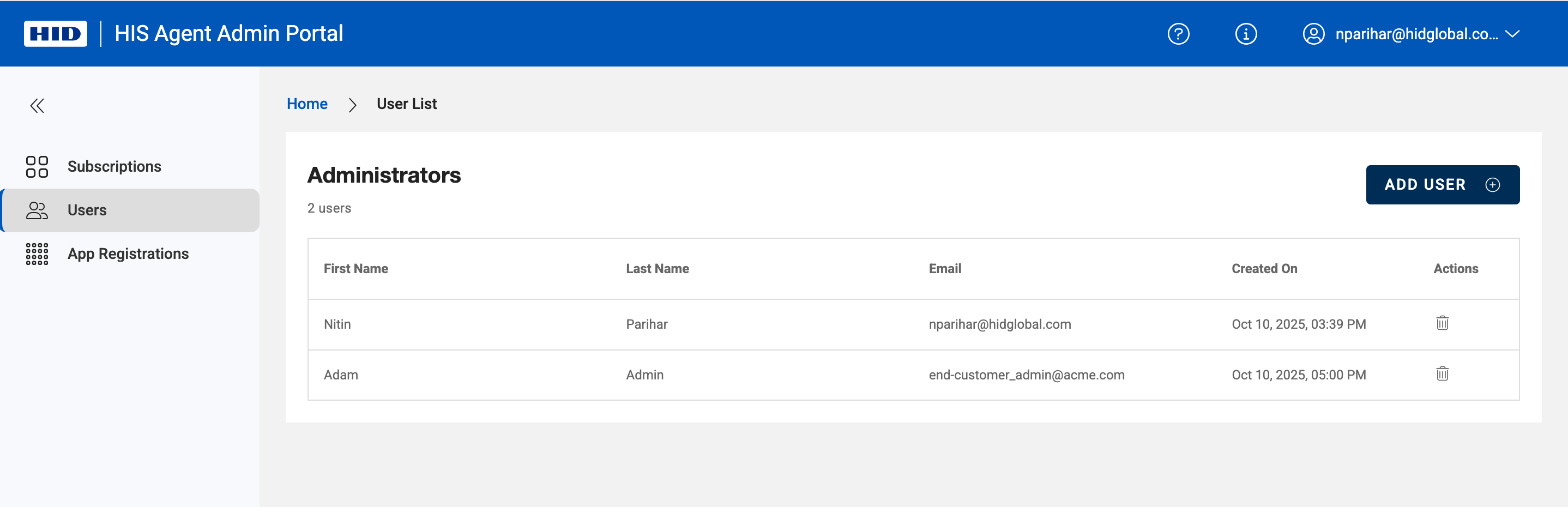
To add or remove end-customer admins on the portal, head over to ‘Users’ using top left navigation menu and click on 'ADD USER' or delete users using delete icon under Actions Column.
To add or remove end-customer admins on the portal, head over to ‘Users’ using top left navigation menu and click on 'ADD USER' or delete users using delete icon under Actions Column.
Contact HID Global
|
611 Center Ridge Drive Austin, TX 78753 U.S.A. (800) 237-7769 (512) 776-9000 |

|

|

|

|

|

|