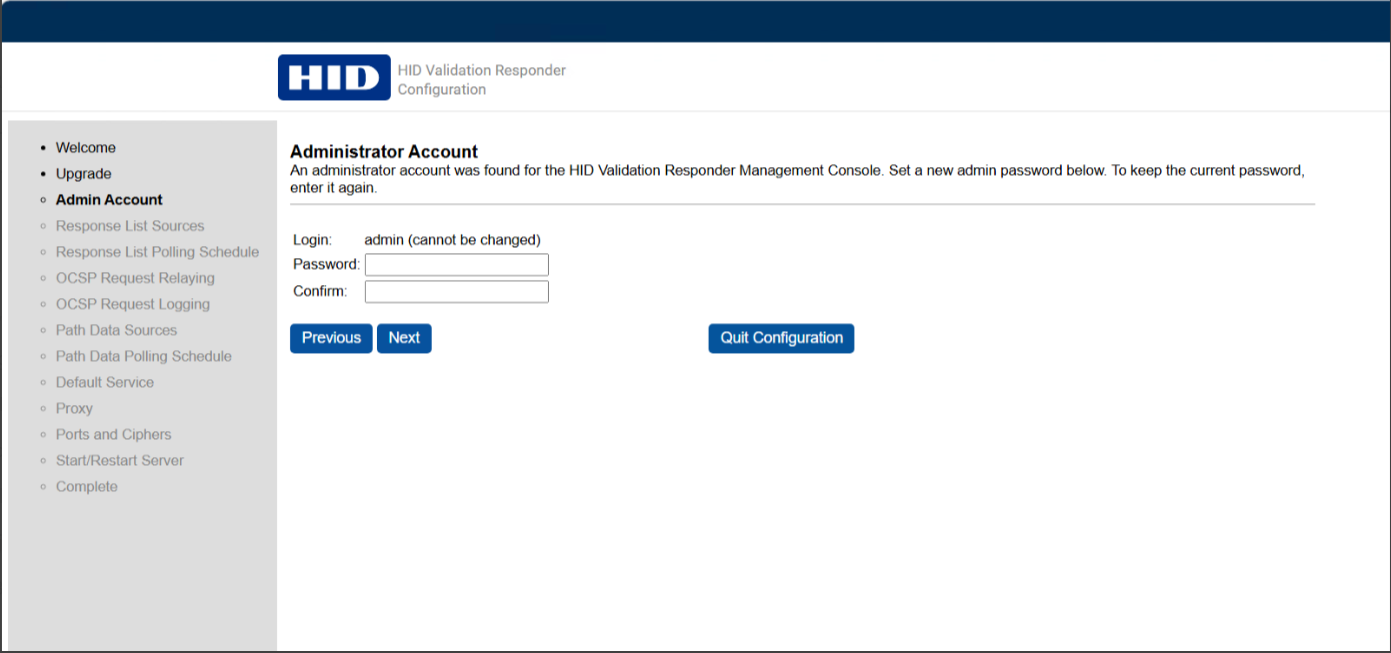
Admin Account
A default ‘admin’ account is provided for accessing the management console. On this page, the administrator can configure a new password or reset the existing password.
If you are logged in as an administrator, you can update a password for the admin account by entering a new password and re-entering it to confirm. Click Next to save and apply the new password.
If you do not want to change the existing password, simply re‑enter the current password and click Next so the system can verify and retain it.