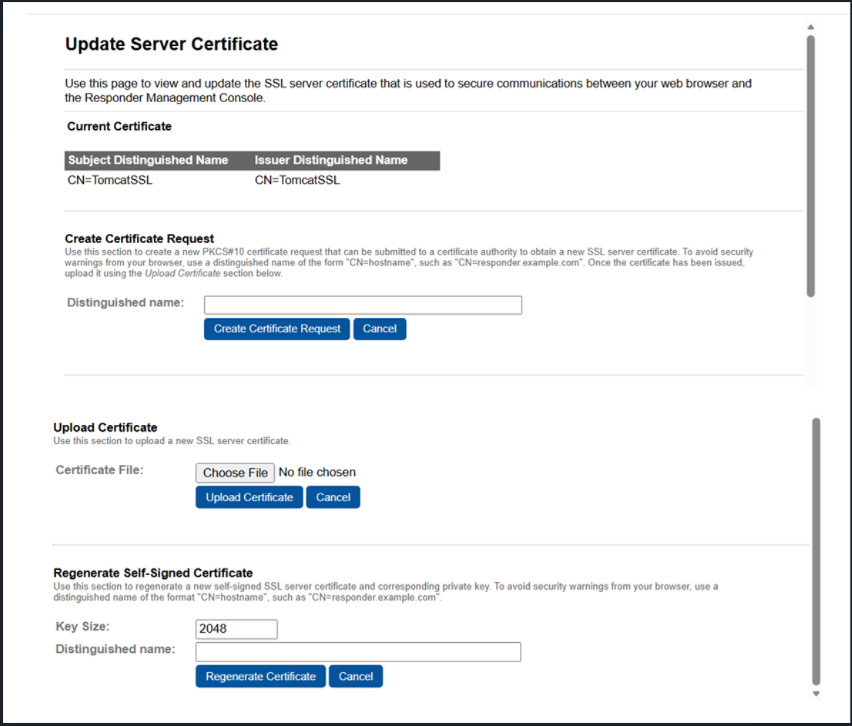
Update Server Certificate
This section describes about how to download the existing certificate, update/create certificate, and regenerate self-signed certificate.
The Validation Responder uses SSL to secure communications between the Validation Responder Management Console and your web browser.
Important: By default, the Management Console’s SSL server certificate is a self-signed certificate that was included with the product. You must replace this certificate to prevent hostname mismatch warnings from your web browser.
Important: After creating and uploading the customized SSL certificate, a soft restart of the application does not apply the new certificate. User must perform stop and start of the application. To stop and start the application, use server.sh (for Linux), server.bat (for Windows), or restart it from Windows Services.
Topics in this section:


