Procedure 6: Configure Path Data Polling Schedule
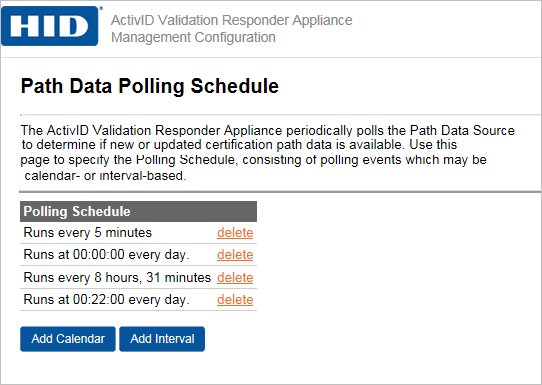
You can add a new polling calendar or interval schedule and delete an existing polling schedule from the same page.
-
In the Responder Software section of the navigation bar, click Path Data Polling Schedule.
-
Follow the steps to add a calendar or interval polling schedule as described in section Procedure 2: Configure Response List Polling Schedule.


