View the Device Inventory
A valid license for the FIDO Provisioning service
To purchase new licenses or renew existing ones, contact your HID Account Manager.
The Administrator, Device Service Administrator or View Only role, or at least the Inventory privilege
-
Select Inventory
 in the left menu.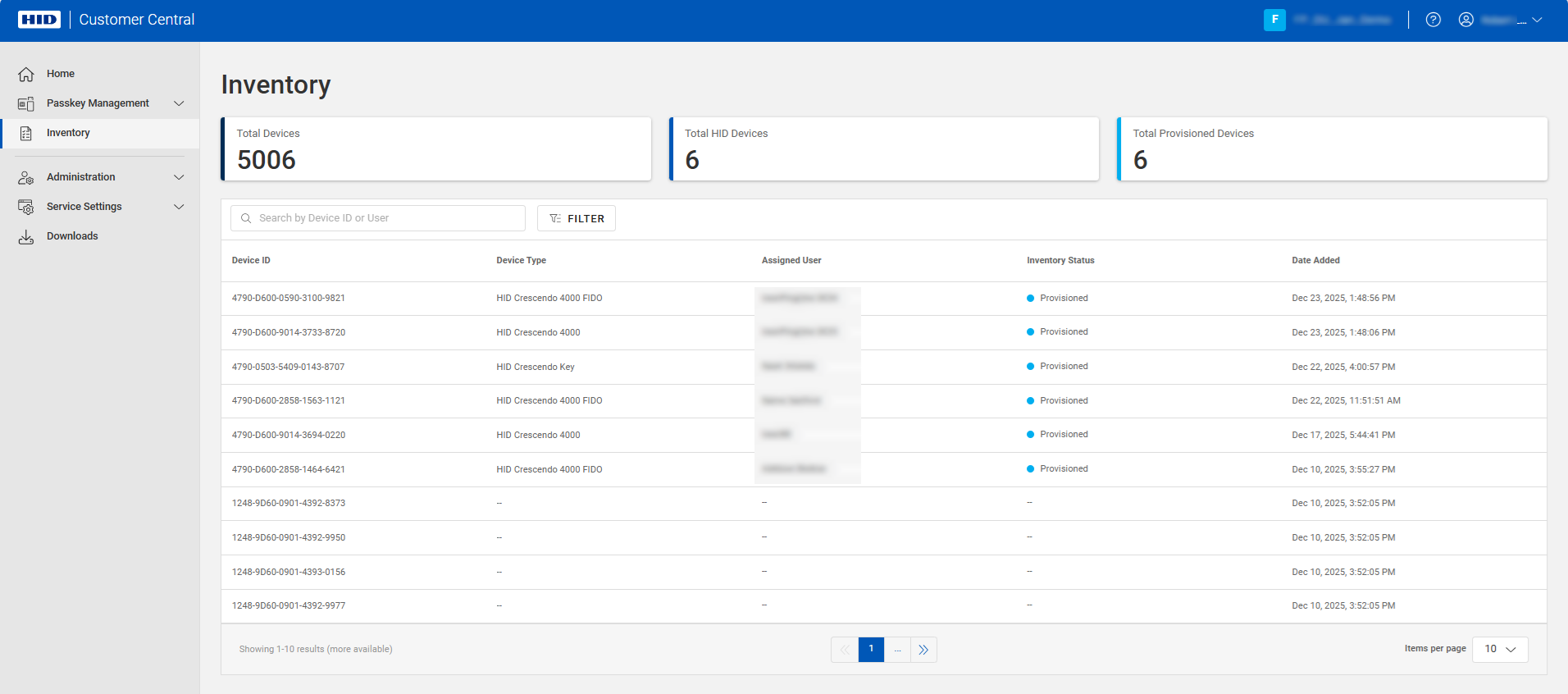
-
You can filter the list using the following options:

-
Device Type - the type of provisioned device
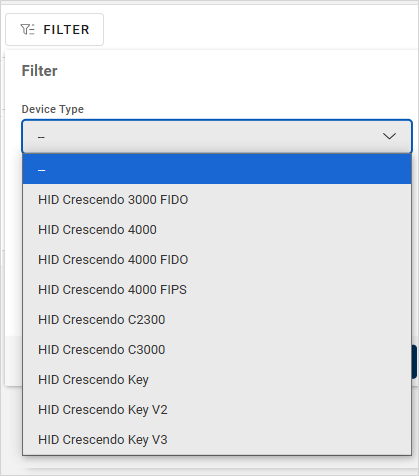
-
Inventory Status - the device status in the inventory
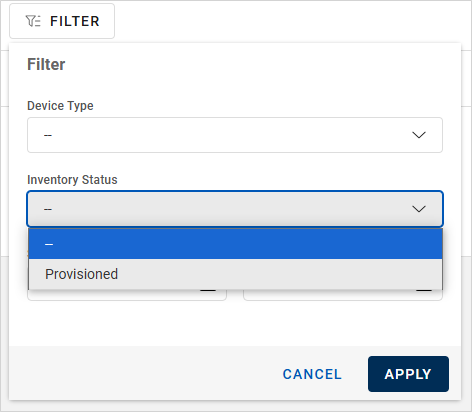
-
Start and End Date - the range when the device was provisioned
The list is dynamically updated with the corresponding device(s).
You can also sort the data in each column by clicking the column title.
-