Delete a Provisioning Request
A valid license for the FIDO Provisioning service
To purchase new licenses or renew existing ones, contact your HID Account Manager.
The Administrator or Device Service Administrator role
Alternatively, you can use a custom role with the Delete Request privilege.
-
You can delete provisioning requests that are no longer required if their status is Completed or Failed.
-
You can only delete a Pending request if none of the users were enrolled with a device (that is, their provisioning status is either Skipped or Failed).
-
If it is In Progress (partially complete) where at least one of the users was enrolled with a device (that is, their provisioning status is Success), the DELETE option is not available.
- Sign in to Customer Central.
-
Expand Passkey Management
 in the left menu and select Provisioning.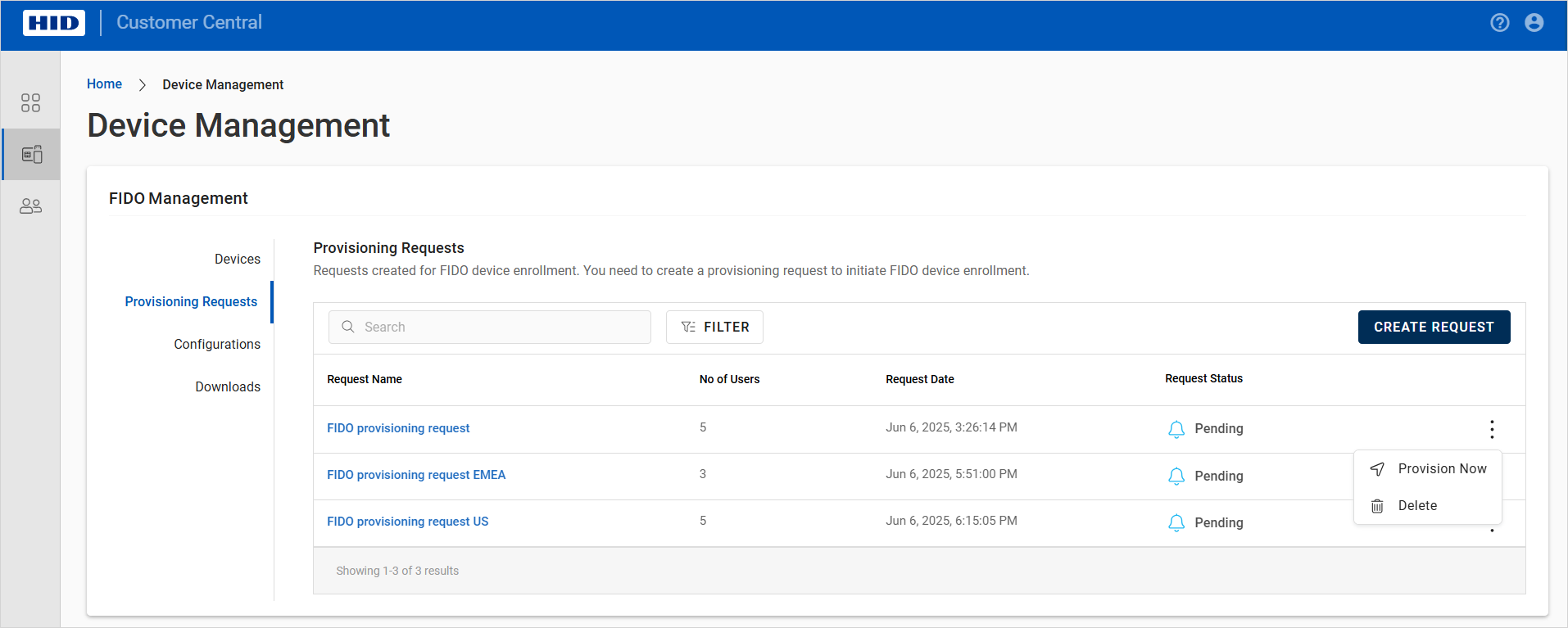
-
In the list of requests, click the menu icon
 for the request and select Delete.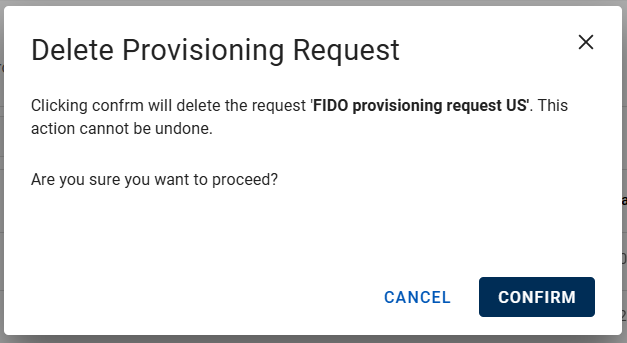
-
Click CONFIRM.